Tutorials

Here is a list of tutorials and guides covering a range of topics on FOP2 plugins and companion software.


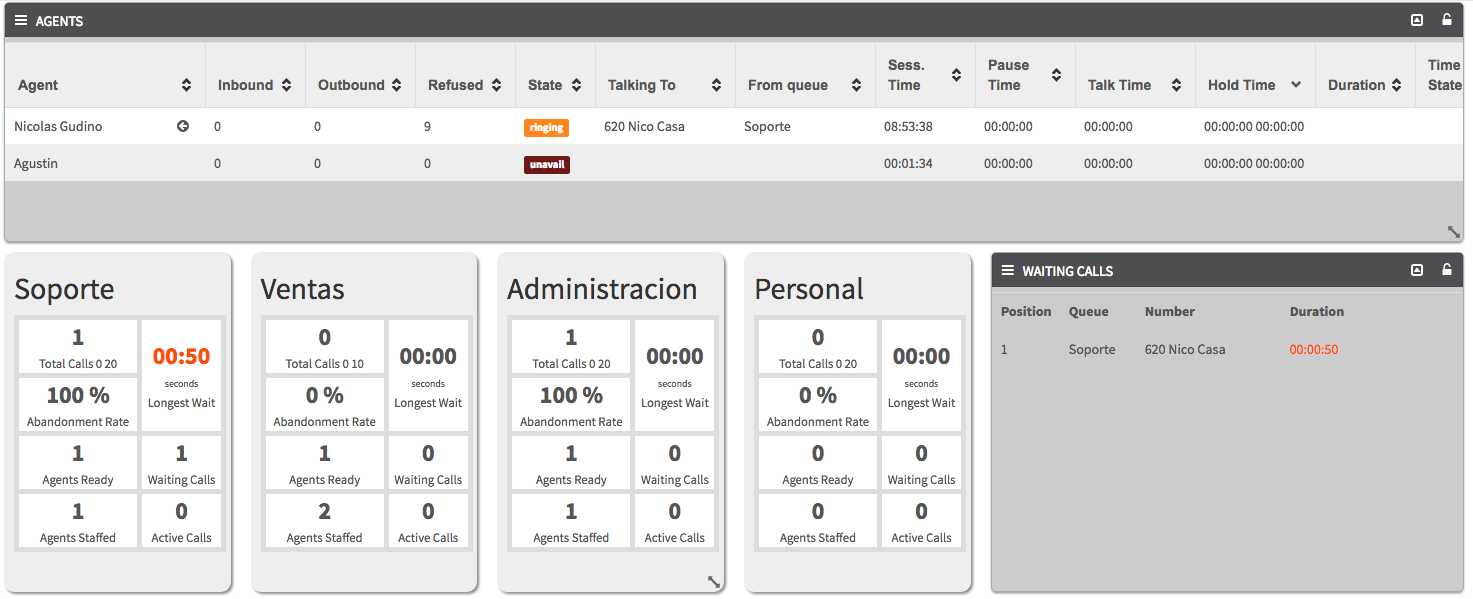
Full Wallboard: Setup Guide

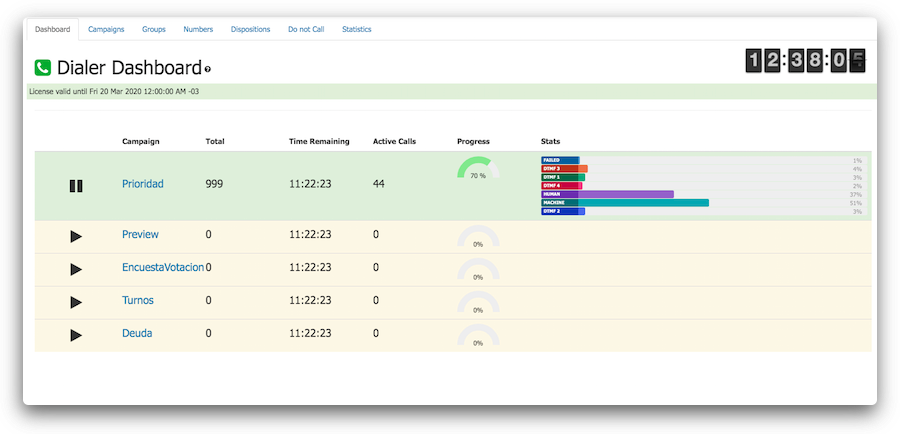
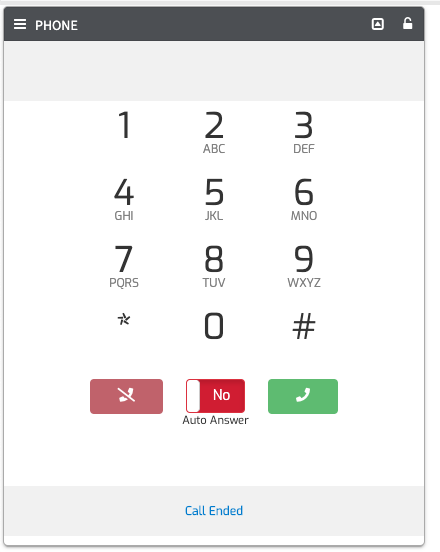
Dialer: Manual

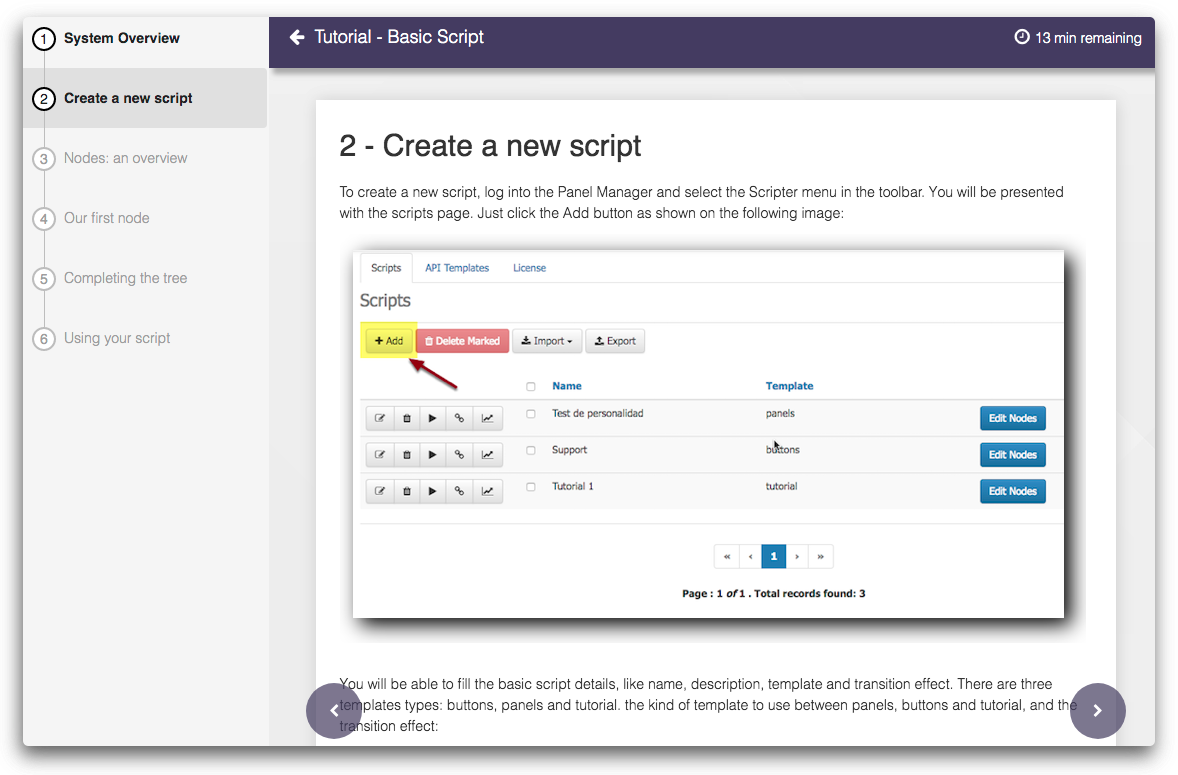
Scripter: Creation of a basic script

Scripter: Basic Forms

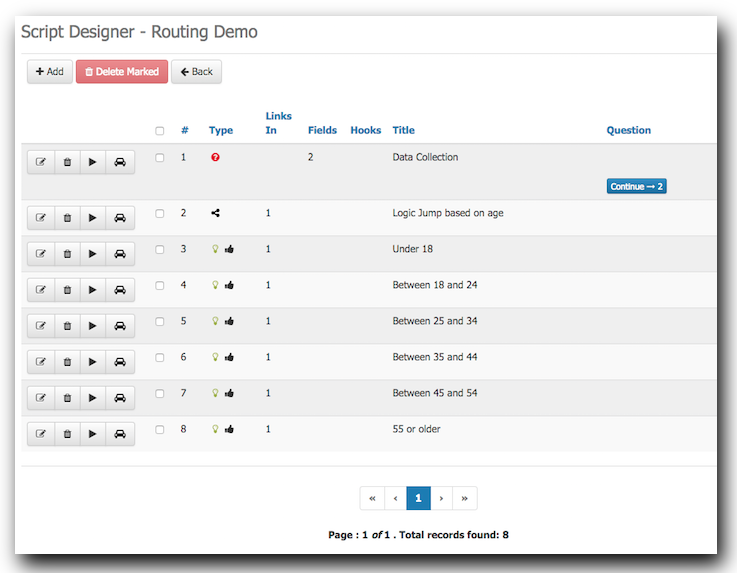
Scripter: Conditional Routing

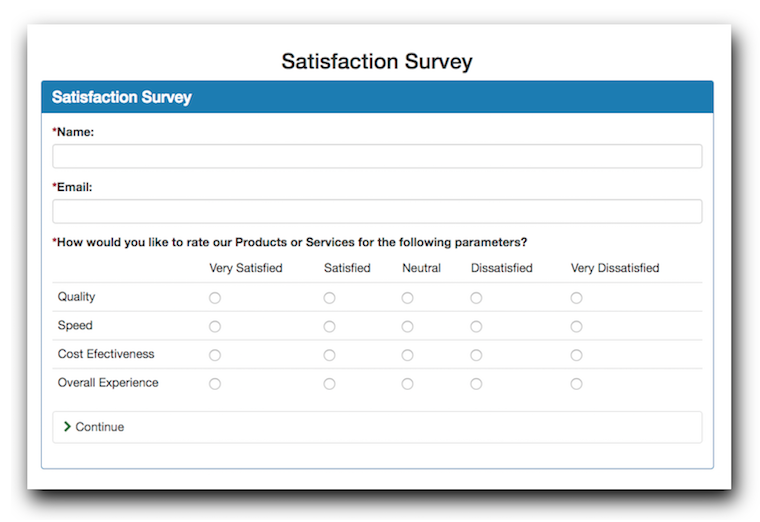
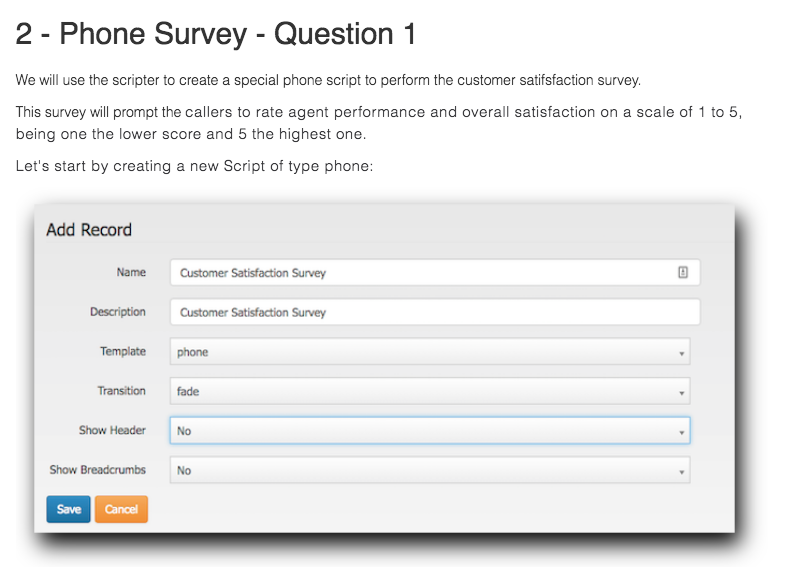
Scripter: Post Call Satisfaction Survey

Issabel WebRTC Configuration Guide

IVR Flow: Install and Configuration

Tutorial showing how to install and configure the IVR Flow module

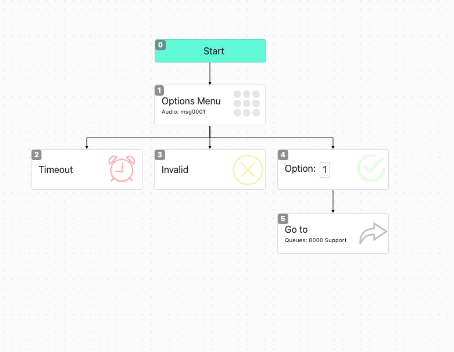
IVR Flow: Simple IVR

Tutorial showing how to create a very simple and basic IVR using the IVR Flow module

IVR Flow: Block Types

Guide showing all block types and properties for the IVR Flow module

IVR Flow: Simple API Examle

Tutorial showing how to get external data using API Calls and using it in our IVR Flow

What people say

As an IT consultant who implements software on a daily basis that is riddled with bugs and defects, yours is a refreshing reminder that software can still be well-written.
Loren Campbell
I wanted to commend you not only on the software you guys have written, which is amazing, but also on the continued support and willingness to answer questions.
Jonathan Hayes
I must just say, I’m loving FOP2. It simple and works well.
Rudi Haarhoff
Just wanted to tell you: your FOP2 panel software is impeccable. Very NICELY done.
Eric Mutter
FOP2 is the easiest operator panel for our receptionist and the people who fill in for her. While other products may have more bells and whistles, FOP2 is more practical in a busy environment. When I had a suggestion for a feature that was useful in a competive product, my new feature appeared in a working beta within days!
Bob Roswell
Nicolas, this isnt the first time I have said but you're a rare breed: you take the time to help people when a lot of other folks don't. This is multiple times over the last 4/5 years you have helped me, for that I am extremely grateful. Thank you for your great product and EXCELLENT support.
Jake Vinson
This is truely a remarkable product. Simple setup, works great, looks great. Good job, and thank you for making such a product available to us !
Kevin Farrell-Pelletier