Basic
Core operator panel features for a single server deployment.
One-time purchase with lifetime use and optional upgrades.
This is the most popular licensing path. The full version bundles IM Chat and Voicemail Explorer, while the basic version keeps the panel lean with the core operator features.
Core operator panel features for a single server deployment.
Adds built-in instant messaging without requiring extra infrastructure.
Unlock browser-based voicemail browsing and message handling.
The full FOP2 experience with chat and voicemail features included.
| Feature | Basic | IM Chat | Voicemail | Full |
|---|---|---|---|---|
| Users & Buttons | ∞ | ∞ | ∞ | ∞ |
| Does not enforce copyright footer | ||||
| IM Chat | ||||
| Voicemail Explorer | ||||
| Allowed tenants | 5 | 5 | 5 | 5 |
Use these licenses when you want to include FOP2 in customer PBX systems without exposing the product name or copyright footer inside the panel.
Core white label deployment with copyright footer removal.
Brandable deployment with integrated chat between panel users.
Brandable deployment with browser-based voicemail management.
The complete brandable package with chat, voicemail, and footer-free delivery.
| Feature | Basic WL | IM Chat WL | Voicemail WL | Full WL |
|---|---|---|---|---|
| Users & Buttons | ∞ | ∞ | ∞ | ∞ |
| Does not enforce copyright footer | ||||
| IM Chat | ||||
| Voicemail Explorer | ||||
| Allowed tenants | 5 | 5 | 5 | 5 |
If your version is older than one year or you want to extend a basic license with optional features, choose the matching upgrade below. You can verify upgrade availability on your install with /usr/local/fop2/fop2_server --upgrade.
Upgrade a regular license to add the internal instant messaging feature.
Upgrade a regular license to add browser-based voicemail access and organization.
Add both optional features in one purchase for a regular license.
Required when your included one-year upgrade window has expired and you want to update to the latest release.
The base license supports up to five tenants on a single server. These packs are for hosted PBX environments where one Asterisk server serves multiple isolated tenants.
Increase your supported tenant count by 5.
Increase your supported tenant count by 10.
Increase your supported tenant count by 25.
Increase your supported tenant count by 50.
These plugins require a valid FOP2 license. Some are generic, while others are tied to specific backends such as IssabelPBX. Pick only the plugins that fit your platform.
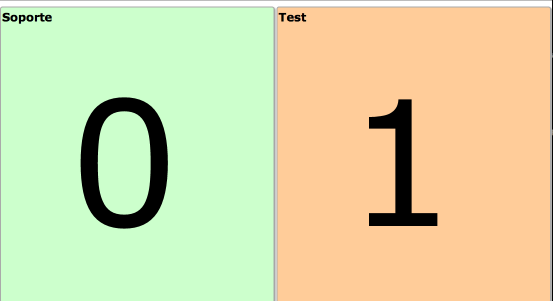
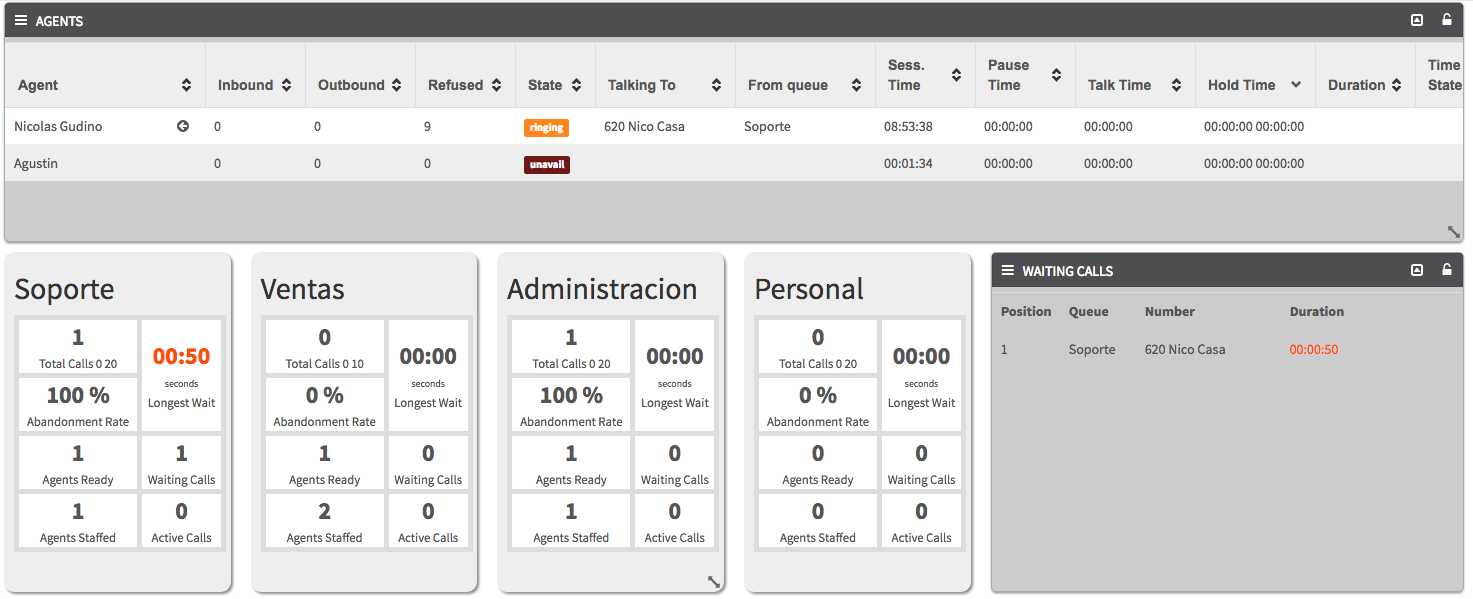
Show waiting calls in queues on a rotating full-screen wallboard that cycles through all available queues.
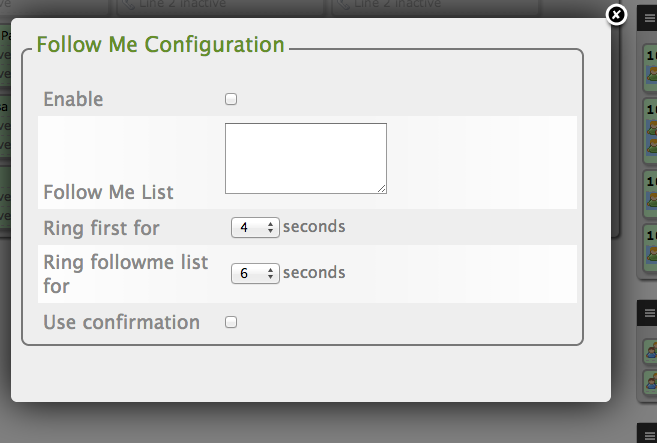
Modify Follow Me destinations and ring time directly from the action submenu for supported extensions.
Supported backend: IssabelPBX
Automatically pause an agent after a queue call for a configurable wrap-up period, then unpause when the timer finishes.
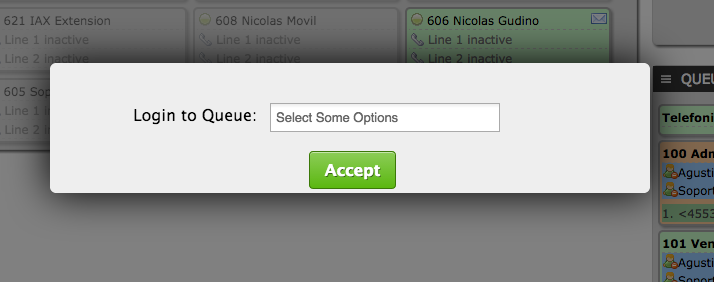
Show a queue selection window at login and automatically add or remove the user from queues when they sign in or out.
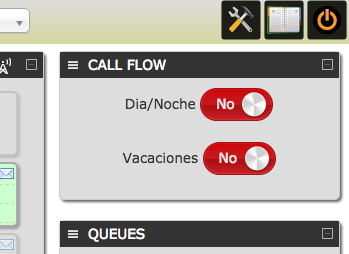
See, set, and unset CallFlow or Day/Night modes directly from the panel.
Supported backend: IssabelPBX
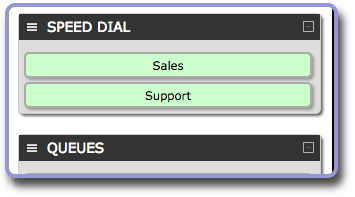
Display a one-click speed dial list in the right column for faster dialing and transfers.
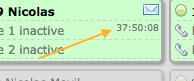
Show how long an extension has been idle since its last call on FOP2 version 2.29 or higher.
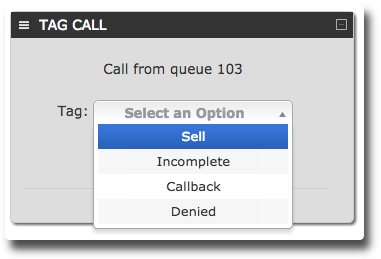
Tag queue-delivered calls after they finish and report on those tags later in Asternic Call Center Stats Pro.
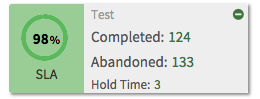
Show live Asterisk queue statistics widgets and optionally reset them when the user has reset permissions.
Requires FOP2 version 2.30 or higher.
Add waiting calls, agent lists, and queue info/stat widgets with fully customizable HTML, CSS, and JavaScript templates.
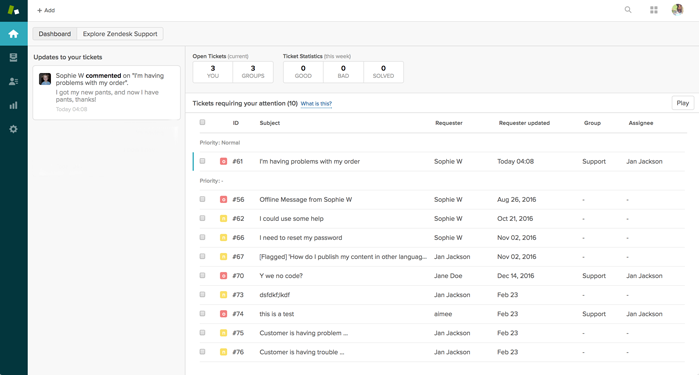
Open a Zendesk tab with caller details on ringing or connect events, based on caller ID.
Display abandoned queue calls and let agents click to call those customers back quickly.
Modules go beyond switchboard extensions and unlock bigger PBX-side workflows.
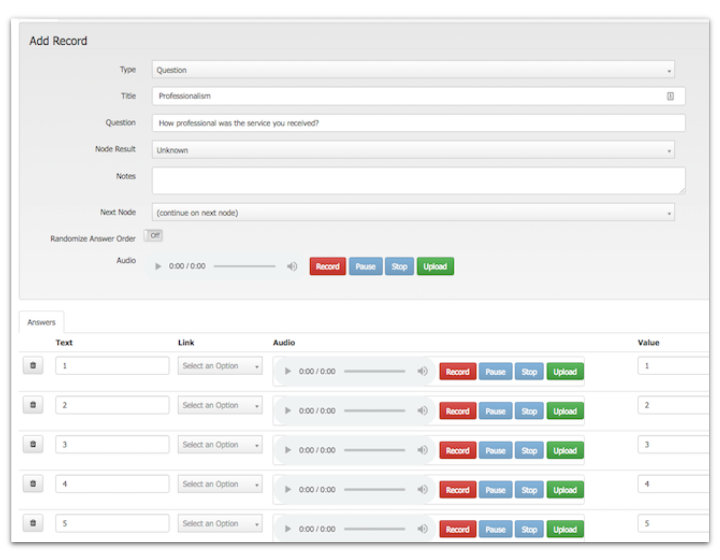
A dynamic scripting suite for voice surveys, browser based tutorials, guided workflows, and forms that can post data to configurable APIs and web backends.
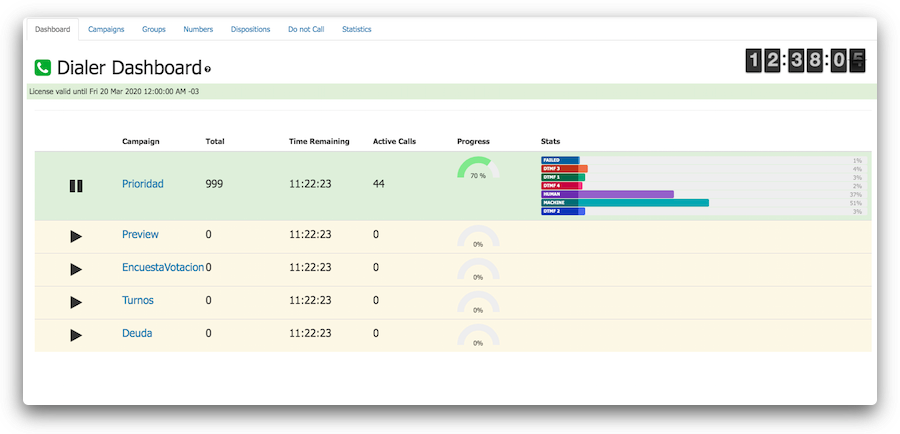
Useful with dialers, call center suites, or embedded inside other web applications.
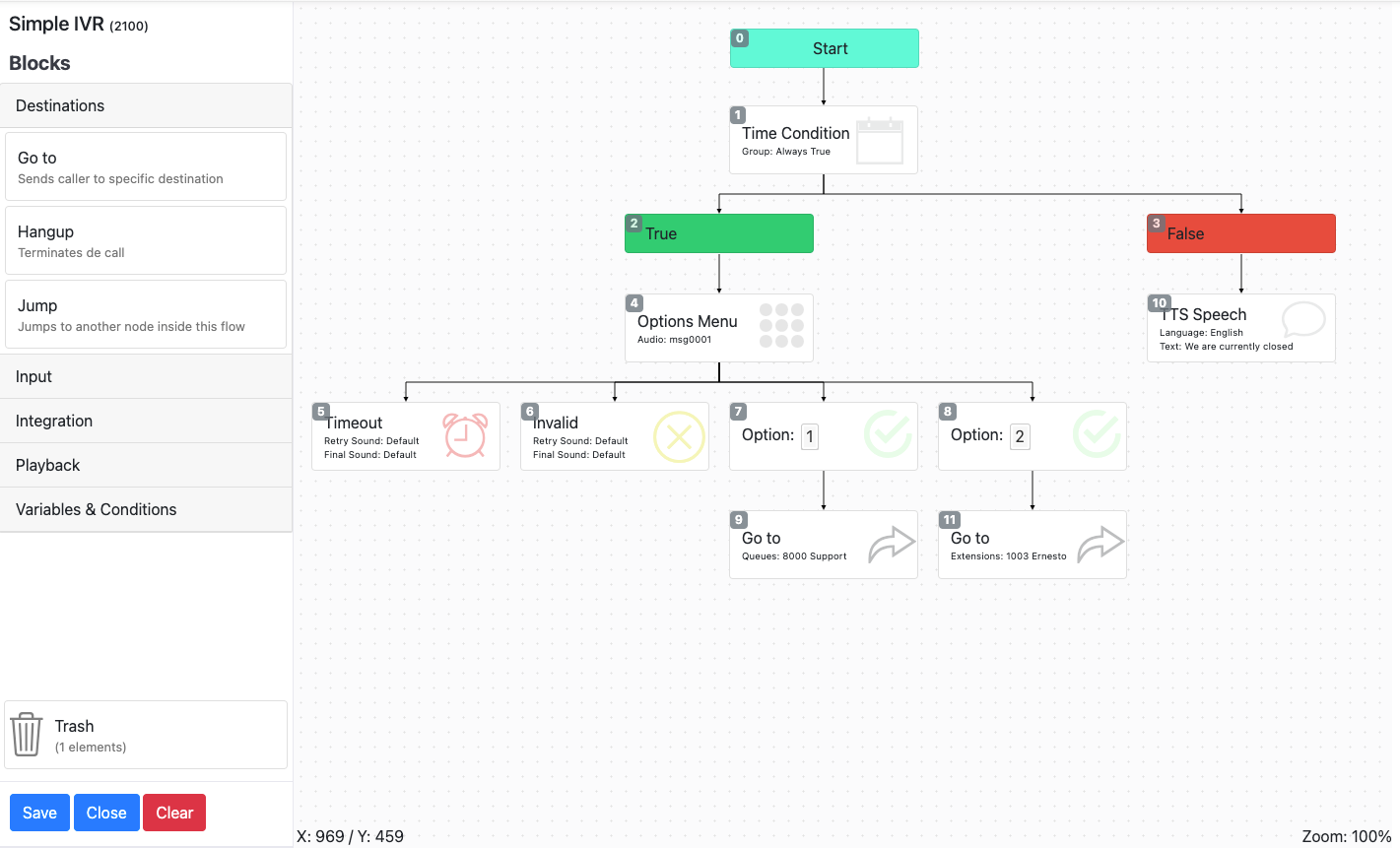
Visually build simple or complex IVR and call flows with APIs, time conditions, logic conditions, text-to-speech, and ASR.
Monthly or yearly WebRTC plans with omnichannel chat workflows and two months free on annual billing.
WebPhone PRO handles multiple lines, SIP transfers, conferencing, and omnichannel chat through Asternic ChatBroker. It can connect chats from WhatsApp, Instagram, Facebook, Telegram, Discord, SMS, chatbots, and CRM popup workflows.
Some third-party providers may require their own subscriptions. Watch the presentation video.
A compact plan for smaller teams that want the full browser phone experience.
A balanced plan for operations teams handling more voice and chat traffic.
For large support teams that want unrestricted seats with the same feature set.
Direct support from the author for installs, troubleshooting, integrations, and call center monitoring work.
Ideal if you run a supported distribution and want to get live quickly with direct installation help.
Get direct help for FOP2, Asternic, Asterisk, or related deployment problems.
Prepaid support pack for deeper customization, CRM integration, or recurring assistance.
$50 savings compared with single-hour pricing.
Best fit for longer delivery engagements, monitoring work, or multi-step integrations.
$150 savings compared with single-hour pricing.
Everything you need to know before and after buying
Your license details are sent automatically by email right after your purchase is completed.
Check your spam or junk folder first. If you still cannot find it, contact us through the contact form.
You can manage your licenses at my.fop2.com using the same email address used during checkout.
If this is your first time accessing the portal, use the “Forgot password” option to set your password.
You can upgrade your license at any time as your needs grow.
Thank you! 🎉 Your purchase was successful. You’ll receive an email with instructions ito activate your license shortly. If you don’t see it, please check your spam folder..
You can also log into the license portal to manage your licenses.